Visual Studio Code
使用 Lima 保护 Visual Studio Code
Lima 通过在虚拟机内运行来帮助保护开发环境。 值得注意的是,这可以防止 AI 代理(如 VS Code 中的 GitHub Copilot)在主机上直接执行不受信任的命令。
- 启动一个 Lima 实例。如果你使用 GitHub Copilot,请考虑通过传递
--mount-none标志来禁用挂载,以防止 Copilot 访问主机文件:
limactl start --mount-none
- 将以下行添加到
~/.ssh/config:
Include ~/.lima/*/ssh.config
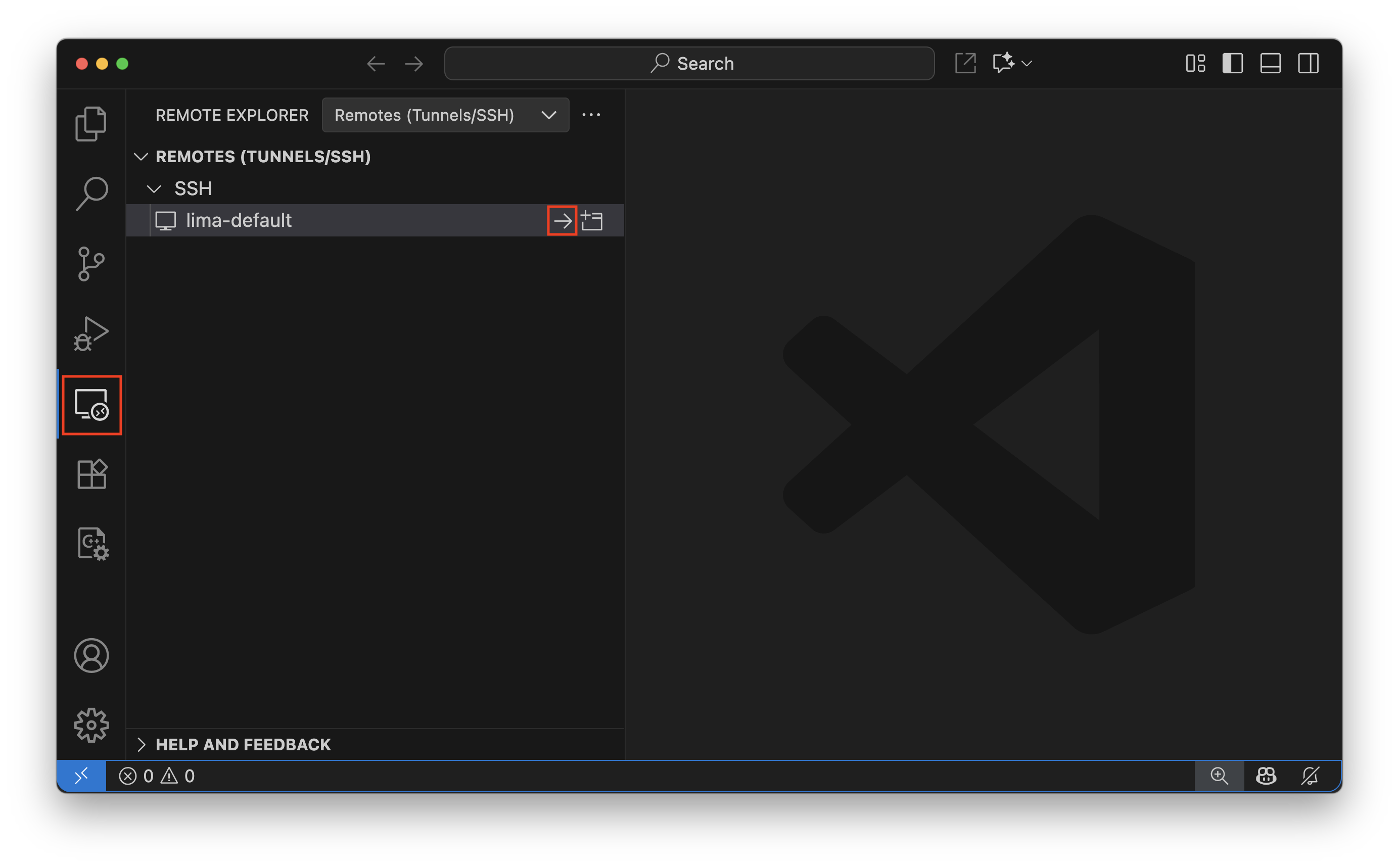
- 在 Visual Studio Code 侧边栏中打开 Remote Explorer 并从 SSH 远程列表中选择
lima-<INSTANCE>。
- 通过在
Welcome屏幕上点击Clone Git Repository...来设置工作区,或使用limactl cp复制项目目录:
limactl cp -r DIR default:~/